How to Send Large Files via Email: 7 Methods That Actually Work
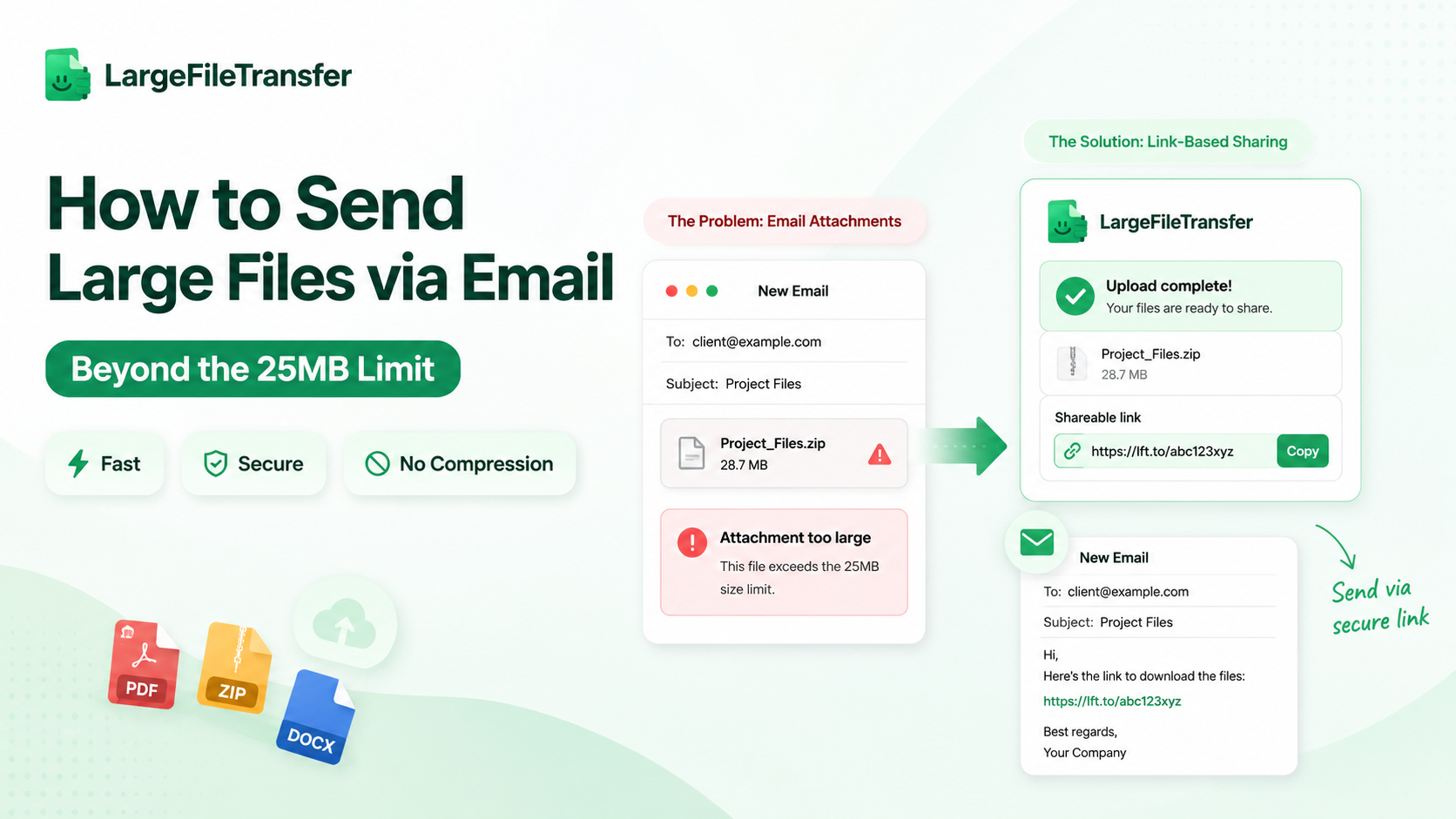
Standard email platforms will not let you change their native 25MB attachment limits. If you need to send large files via email, you have to change your transfer infrastructure instead. Using traditional attachments often leads to problems, with office workers and professionals constantly running into issues when sending files.
Huge PDF reports, ZIP archives, and slide decks routinely freeze daily workflows. Instead of trying to compress your data or fight strict server rules, shifting to a dedicated link system solves the problem instantly. This simple adjustment bypasses standard email ceilings completely, keeping your files secure and your projects moving forward.
Why You Can’t Send Large Files via Email Directly
Standard email networks cannot process raw binary files. Instead, your mail client relies on a protocol called MIME encoding to translate attachments into a text-based format for safe transit.
This translation process is highly inefficient. It automatically inflates the overall file footprint by roughly 33%.
Because of this hidden data expansion, a 20MB document sitting on your local hard drive instantly balloons to nearly 27MB the moment you hit send. This sudden spike causes your data payload to unexpectedly break the strict 25MB server ceilings enforced by major email providers. The message bounces back, and your workflow stalls.
This technical restriction is exactly why learning how to transfer large files via email requires moving past basic attachments. To bypass this encoding bottleneck, you must shift your heavy payloads away from standard email ecosystems and utilize a dedicated external file infrastructure instead.
Method 1: Use LargeFileTransfer for Uncapped Email Sharing
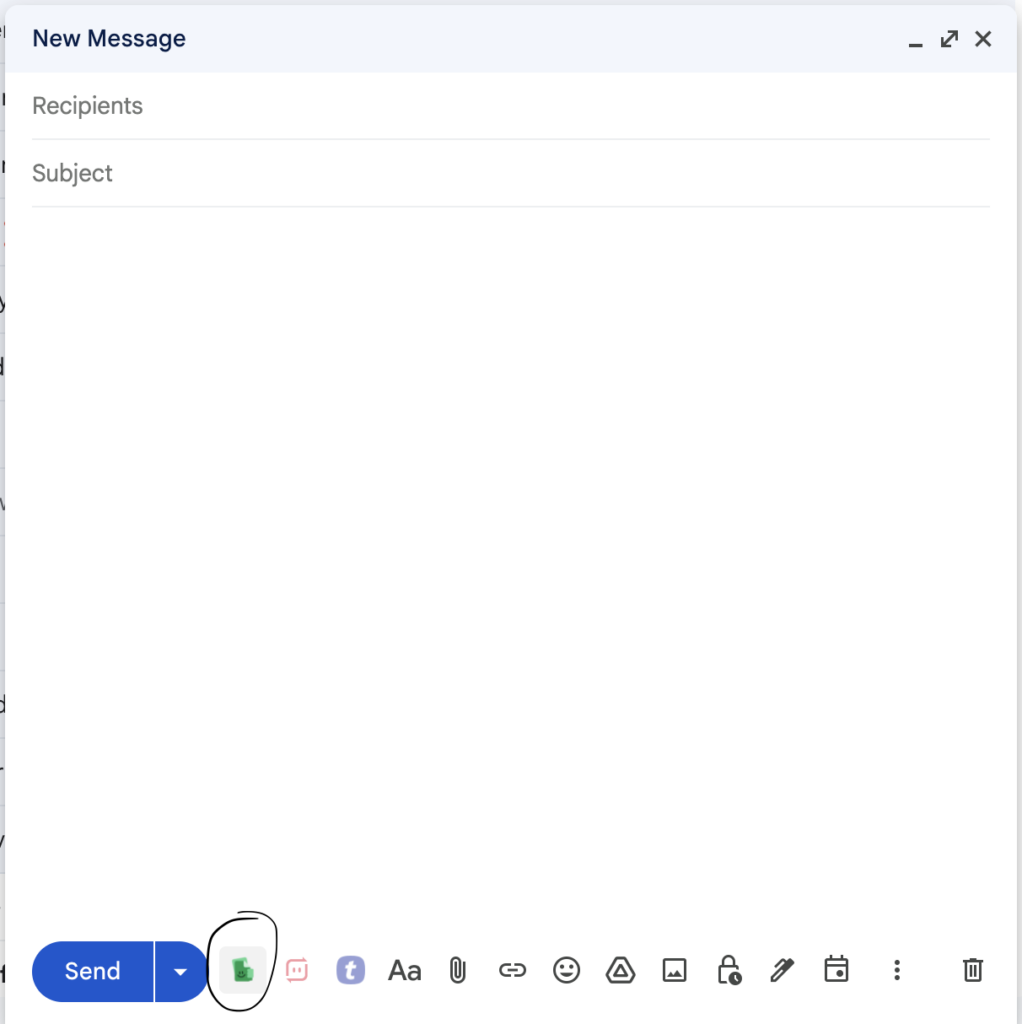
Standard email restrictions completely disappear when you shift your data to a dedicated transfer platform. LargeFileTransfer provides the premier solution for bypassing native file limits.
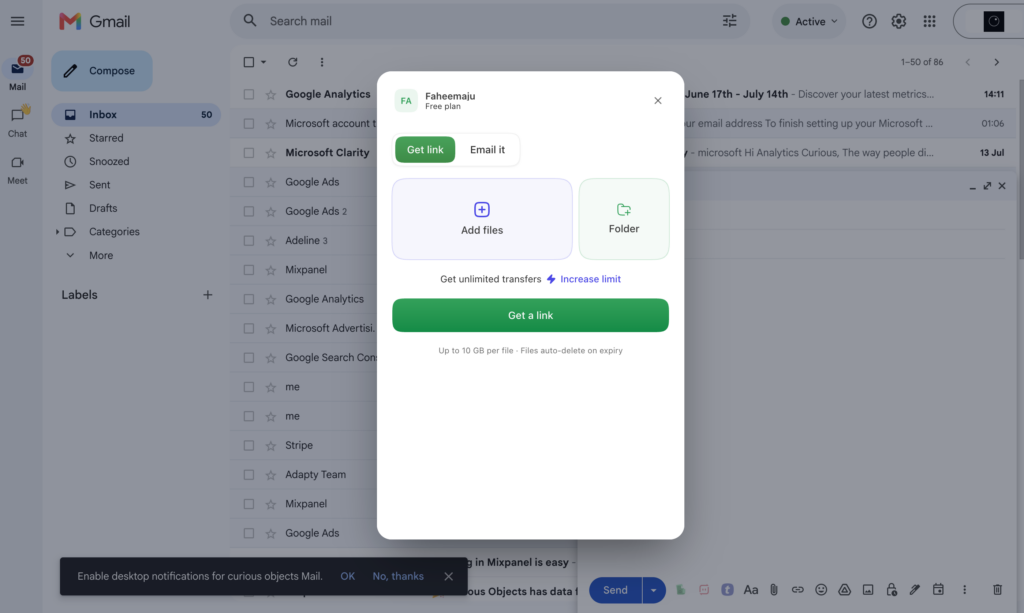
It operates entirely inside your web browser. You can use the platform immediately without any software installations or mandatory account creation.
The platform handles your heavy files outside of your regular email system. This design effortlessly solves the attachment problem using three core features:
Instant Link Generation
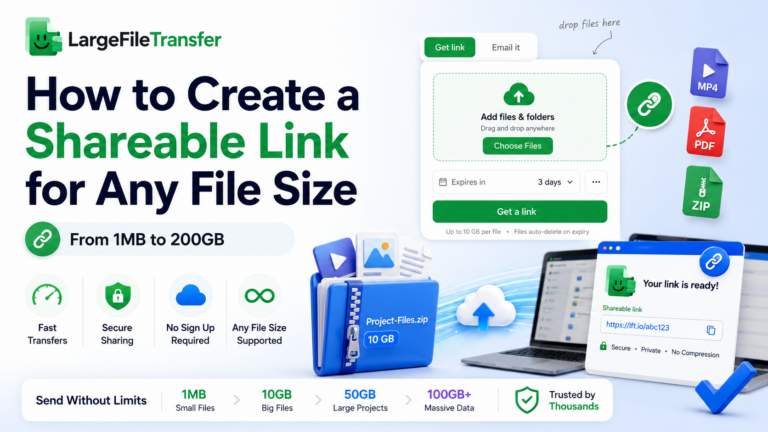
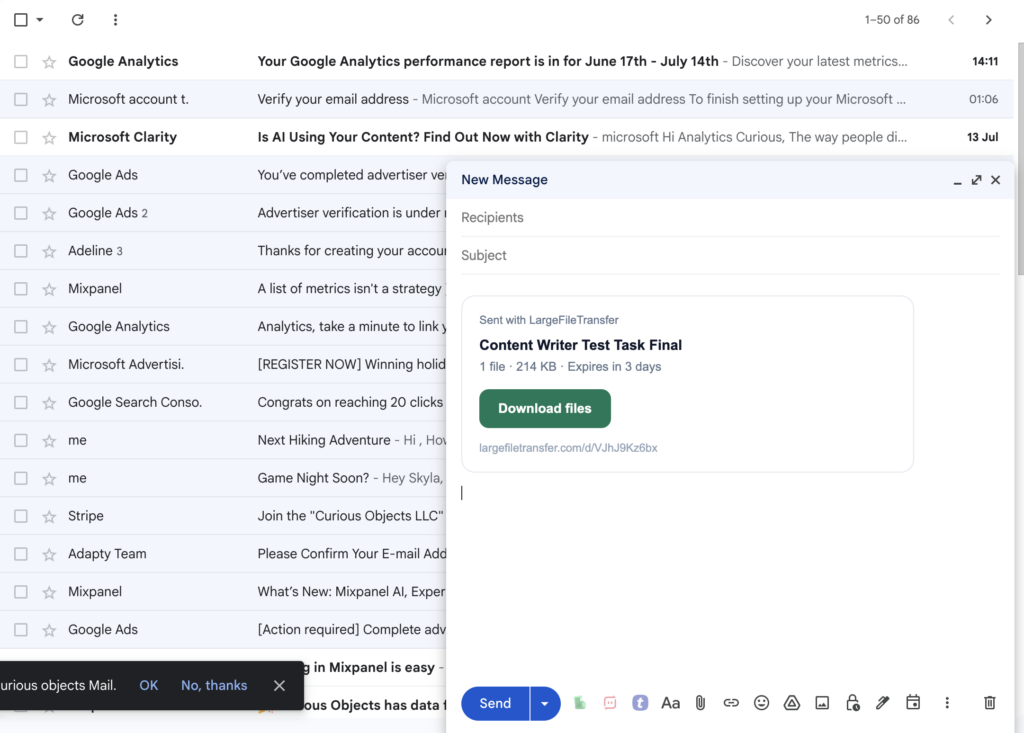
Upload your documents or media assets in a single click. The tool processes your file and instantly creates a secure, private download link. You simply paste the lightweight URL straight into your Gmail message body and hit send.
Zero Quality Loss
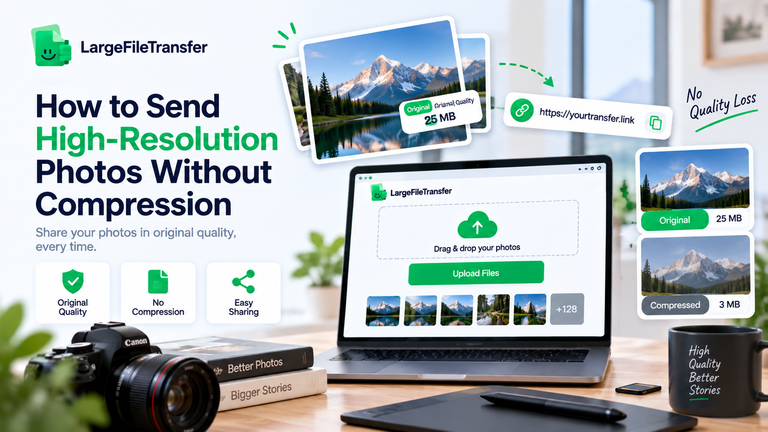
Traditional compression tools often shrink your files by lowering asset quality. This platform transfers your data completely uncompressed. Recipients always receive raw, master-grade resolutions.
Bypassed Storage Limits
Large uploads to basic cloud networks actively eat away at your free storage tiers. This tool ensures your files do not sit on your personal drive. You can share large items without cluttering your cloud space or filling up the recipient’s inbox.
Your teammates or clients do not need to fight with permission requests. They just click your custom link to download the original files instantly. It is the fastest, most reliable way to keep your workflows moving smoothly.
Break Free From the 25MB Ceiling Instantly
Ready to bypass restrictive email limits? Send your files via secure link without any installations.
Try LargeFileTransfer to Send Large Files Instantly
Other Working Methods for Large File Transfer Email Integration
If you need alternatives to link-based platforms, several other reliable systems exist. Finding the right large file transfer email setup depends entirely on your daily workspace tools and security preferences.
Method 2: Google Drive Link Integration
When you drop a file larger than 25MB into Gmail, the platform automatically routes it to Google Drive. It inserts a sharing link instead of a traditional attachment. However, this method has two major pitfalls for office workers.
First, these large uploads quickly consume your shared 15GB free storage pool. Second, you need to manually set up folder permissions so your recipient can access the file without hitting a block.
For more details on this method, check out our guide on How to Send Large Files Through Gmail.
Method 3: OneDrive Link Integration
Microsoft Outlook handles large attachments by automatically generating OneDrive cloud links. Although this keeps your email moving, it creates challenges for external users. The shared interface often feels clunky and confusing for non-technical users.
More importantly, it frequently forces recipients through complex Microsoft login screens or multi-step verification checks. These security barriers make accessing a basic project folder incredibly frustrating for your customers.
Method 4: Compressing Files into ZIP or RAR Archives
Compressing your files into ZIP or RAR archives is a traditional way to bundle data. However, this method rarely solves the modern attachment crisis. Archiving software only shaves off a tiny percentage of your overall data footprint.
It is completely ineffective for heavy raw videos, high-resolution media assets, or complex multi-page databases. Because these dense file formats are already compressed internally, zipping them won’t shrink them enough to slip under the 25MB ceiling.
Method 5: Traditional Cloud Transfer Platforms
Generic, browser-based transfer tools like Smash or WeTransfer offer a quick workaround for sending standalone attachments. However, relying on their free tiers presents clear operational limitations for professionals.
Most of these platforms enforce a strict 7-day file expiration date, meaning your links go completely dead after one week. Additionally, they place hard caps on your total monthly transfer volume or throttle upload speeds for larger items.
To compare these common platforms with our solution, read our honest breakdown: Smash vs WeTransfer vs LargeFileTransfer.
Method 6: Utilizing Secure FTP Servers
Corporate environments occasionally rely on File Transfer Protocol (FTP) architectures to move heavy internal data. While highly secure, this method has massive downsides for everyday business operations.
Setting up an FTP client or managing server credentials requires specialized technical knowledge. Configuring ports and directory paths is completely unsuited for average office workers or non-professionals. It creates an unnecessary technical bottleneck when you just need to get a critical file to a client quickly.
Method 7: Splitting Folders into Multi-Part Volumes
Some users try to bypass the 25MB attachment limit by using archiving tools to break large folders into smaller, successive parts. For example, a massive 100MB file gets chopped into four separate 25MB pieces. However, this strategy completely fails real-world business workflows.
It forces you to send multiple successive emails to the same client just to deliver one project. This creates a tedious, highly frustrating reassembly process for your recipient. If they lose or fail to download even a single piece, the entire archive becomes corrupted and unreadable.
If you prefer a cleaner approach, read our guide on How to Create a Shareable Link for Any File.
Frequently Asked Questions
How can you send large files via email?
The most reliable way to send large files via email is by uploading your document or media to a dedicated file transfer platform like LargeFileTransfer. This generates a secure download link that you can paste directly into your email message, bypassing all attachment size restrictions.
How to send large files of 100MB via email?
Because a 100MB file exceeds the standard 25MB email limit, you must use a link-based sharing method. Upload the 100MB file to an online transfer service like LargeFileTransfer, copy the auto-generated shareable URL, and insert it into your email text body for instant recipient access.
How to send a large file to more than one person?
To send a massive file to multiple recipients, generate a single shareable link via LargeFileTransfer. Paste this link into the email’s To or CC field. Every recipient can access and download the raw, uncompressed file simultaneously without slowing down your inbox.
Simplify Your Email Workflows Today
Running into server-side attachment blocks shouldn’t compromise your operational pace. Moving to a direct link infrastructure keeps your business communication fluid and your inbox completely clean.
By bypassing legacy email restrictions, you ensure that every high-resolution file arrives instantly without frustrating your clients or interrupting your daily workflow.