The Best Free Ways to Send Large Files Online (2026)
The fastest fully free way to send large files online for free is a no-signup transfer link with no account required. This guide compares no-signup transfers with other realistic free options, so you can choose the right method quickly.
The main catch is that “free” tools differ widely in file limits, expiration periods, signup requirements, and restrictions. You’ll find verified free-tier limits, a side-by-side comparison table, a practical safety check, and guidance for different needs.
We’ll also cover free cloud storage, alternative transfer tools, compression, and mobile options when they fit better. But “free” means different things depending on the tool, so here’s what to actually check before sending.
What “Free” Actually Means for File Transfers?
“Free” file transfer tools differ in ways that matter more than marketing headlines, especially around access, limits, expiry, and features.
Before choosing one, check four practical factors: signup requirements, file-size limits, link expiration, and features locked behind payment.
Here’s what to check before trusting any “free” claim.
- No-signup vs. account-required: Some tools advertise large free limits but only unlock them after registration. Others let you send files without creating an account.
- Size cap per file vs. per month: A service may restrict each file or impose a total monthly allowance. For a one-time sender, a monthly cap matters much less than a restrictive per-file limit.
- Expiry window: Free links may expire after 24 hours, while others remain active for days or weeks. Check how long recipients can access the file before choosing a service.
- Feature gating: Password protection, download tracking, recipient controls, and larger transfer limits may require a paid plan. This can make the genuinely free experience much more limited.
For this guide, “free” means free with no signup and no card unless a specific option is clearly stated otherwise.
The Best Free Way to Send Large Files Online
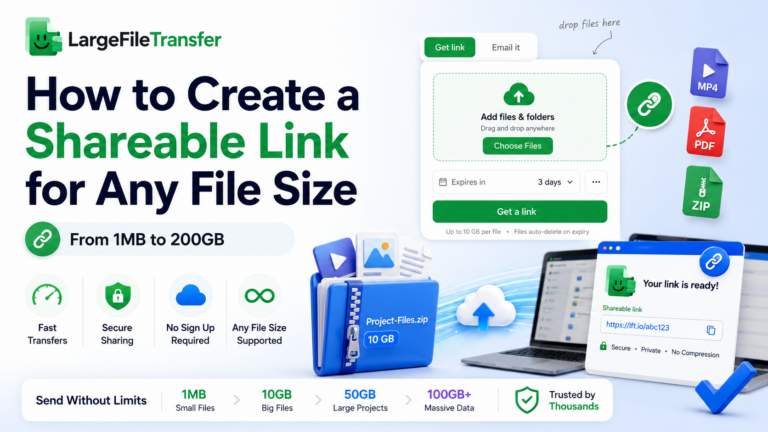
LargeFileTransfer gives you one of the simplest versions of “free” file transfer: a link, no account, and no card.
You can send up to 5 GB per file for free, making it practical for videos, photos, project files, and archives.
Here’s exactly what you get and how to use it.
- Go to largefiletransfer.com and open the file transfer page.
- Drop your file into the upload area.
- Wait for the upload to finish completely.
- Copy the generated sharing link.
- Send the link through email, messaging, or whichever channel the recipient checks fastest.
The free plan is designed for occasional large-file transfers, with no credit card required. You can start without committing to a paid subscription and upgrade when your needs grow.
You can also compare plans if you regularly need larger files, longer link retention, or additional features such as password protection.
For most one-off transfers, the free option keeps things simple without forcing account creation or putting the core sending experience behind a paywall.
Ready to send a large file? Start your free transfer without creating an account.
More Free Options Worth Knowing
Other free methods can work well, but each usually trades speed, storage duration, or convenience for the free price.
Here’s where each one makes sense:
- Free Cloud Storage Tiers
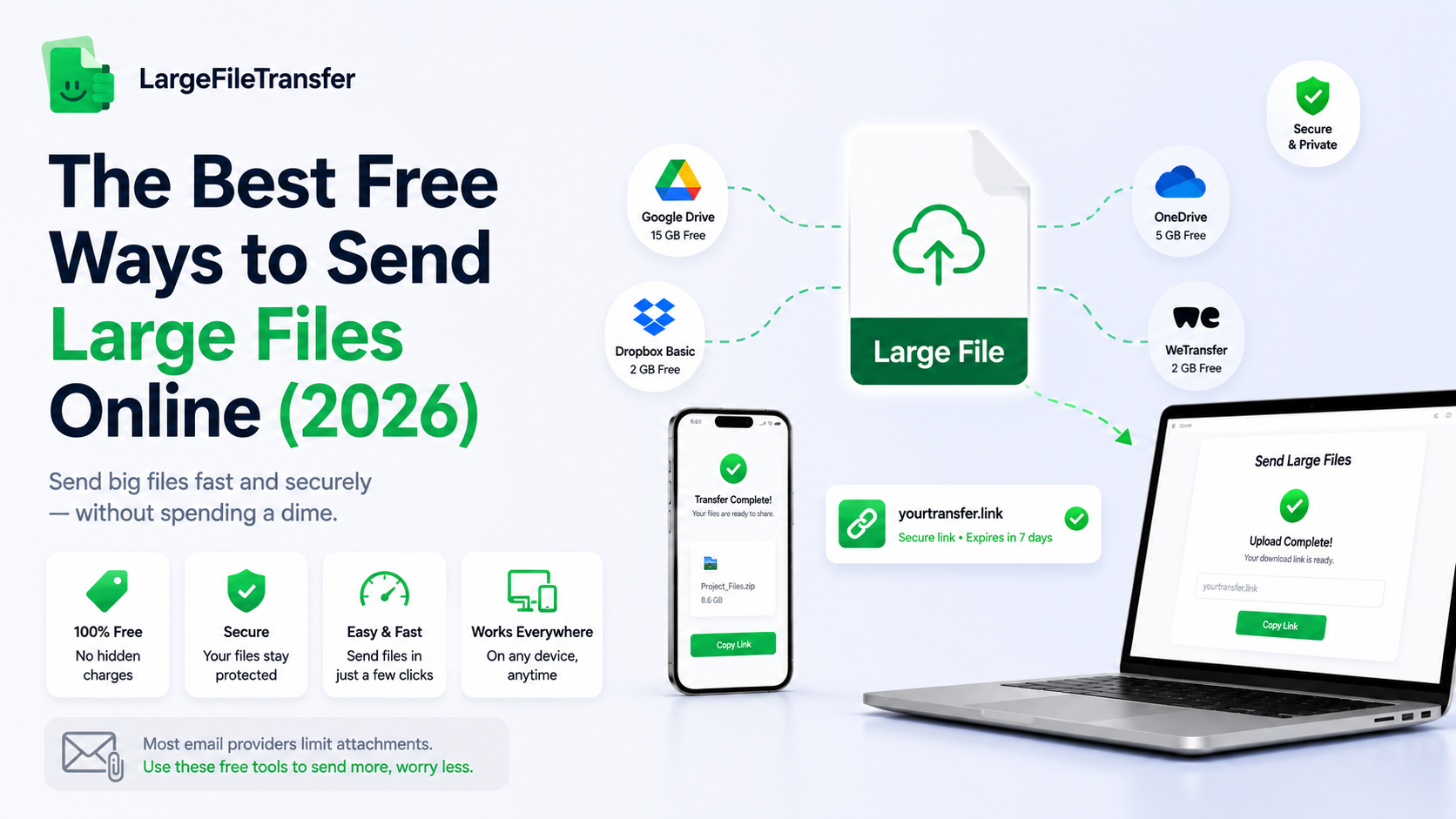
Google Drive, OneDrive, and Dropbox all offer free storage that can also share files through links.
Here’s what each gives you for free right now.
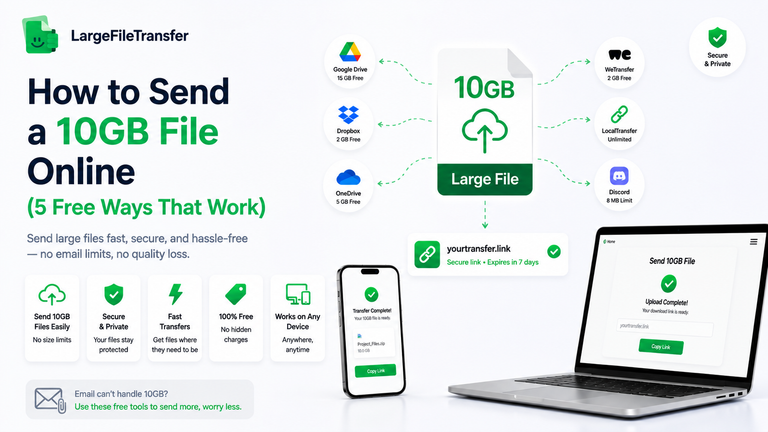
- Google Drive: 15 GB free storage; upload a file, create a link, and set access permissions.
- OneDrive: 5 GB free storage; upload, select Share, and adjust link permissions.
- Dropbox: 2 GB free storage; upload the file and create a shareable link.
The trade-off is that cloud storage is built for keeping files, not temporary transfers.
Links do not automatically expire, so forgotten permissions can become a privacy concern.
- Other No-Signup Transfer Tools
Several transfer services offer free sending without signup, but their limits and restrictions differ considerably.
Here’s how a few well-known options compare.
- WeTransfer: Up to 3 GB across 10 transfers in 30 days, with three-day link expiry; signup is required.
- Smash: No hard free file-size limit, but transfers above 2 GB enter a non-priority queue.
- TransferNow: Up to 5 GB per transfer without registration, with seven-day expiry.
Free limits change frequently, so check the provider’s current terms before sending.
- Compression to Shrink a File First
Compression can sometimes bring a file below a free transfer service’s size limit.
Here’s when it’s actually worth doing.
- It works well for documents, spreadsheets, and uncompressed images, but rarely helps much with video or RAW photos.
- Free tools such as 7-Zip and built-in compression utilities can handle the job.
Skip compression for already-compressed video because the size reduction usually is not worth the extra time.
- Free Mobile Apps
You can send large files for free from a phone without needing a desktop computer.
Here’s what that looks like in practice.
- Select or capture the file, upload it, and generate a shareable link directly from your phone.
- The LargeFileTransfer app provides a mobile option for sending files on the go.
This is particularly useful when you are away from your desk or working remotely.
Check your mobile data allowance before uploading large files over cellular instead of Wi-Fi.
Free File Transfer Comparison Table
This table brings the methods together so you can compare the practical differences without jumping between sections. It focuses on the factors that matter most when choosing a genuinely free way to send large files.
Here’s how they stack up:
| Tool/Method | Free Limit | Signup Required? | File Expiry | Best For |
| LargeFileTransfer | 10 GB per file | No | 2–3 days, depending on current plan display | Quick transfers without an account |
| Google Drive / OneDrive / Dropbox | 15 GB / 5 GB / 2 GB storage | Yes | No automatic expiry | Keeping and revisiting files |
| WeTransfer-type tools | Up to 3 GB for WeTransfer | Yes for WeTransfer | 3 days for WeTransfer | Temporary file sharing |
| Compression | No transfer limit itself | No | N/A | Shrinking files before sending |
| Mobile app | Depends on the transfer service | Depends on service | Depends on service | Sending files directly from a phone |
For a one-time transfer without account hassle, a dedicated no-signup link is usually the simplest choice. For files you need to store, revisit, or manage over time, free cloud storage is generally a better fit.
Is Free File Sharing Actually Safe?
“Free” and “safe” are not the same thing, so free file-sharing services deserve the same scrutiny as paid alternatives.
A generous transfer limit means little if your files are poorly protected, stored indefinitely, or handled without clear privacy policies.
Here’s what to actually check before trusting a free tool with your files.
- Encryption in transit and at rest: Your file should be protected while uploading and while stored on the provider’s servers. Look for clear statements covering both stages rather than vague claims about “secure transfers.”
- Auto-delete and expiry: Check whether shared files are automatically deleted after a defined period. A temporary transfer is more private when old files do not remain stored indefinitely.
- Password protection: Password-protected links add another layer of access control, particularly when sharing sensitive documents. Check whether this feature is included on the free plan or restricted to paid accounts.
- Privacy policy: The provider should clearly explain how uploaded files are handled, stored, retained, and deleted. Avoid services that provide little detail about what happens to your data after uploading.
LargeFileTransfer currently states that files are encrypted in transit and at rest, while its free transfers use automatic expiry. Verify these claims against the live service before publishing.
Treat any completely free tool that is vague about encryption or retention with caution, regardless of how generous its advertised size limit appears.
Which Free Option Fits You?
The “best” free option depends less on the tool itself and more on who is sending the file and why.
Your priorities change depending on whether you need speed, client protection, recurring transfers, or simple one-time sharing.
Here’s a quick match by situation.
- Student sending an assignment or portfolio:
- A no-signup transfer link is usually the fastest route and avoids creating another account for a one-time submission.
- It works especially well when you simply need to send a project file, presentation, or portfolio link quickly.
- Freelancer or creative delivering client work:
- Password protection and a longer expiry window can matter more than having the largest possible transfer limit.
- Prioritize a service that includes both features without making the basic delivery process unnecessarily complicated.
- Small business sending recurring files:
- Look beyond the per-file limit and check whether the service’s monthly or recurring transfer allowance matches your actual workload.
- A free tier that works for occasional sending may become restrictive when several files need delivery every week.
- One-time sender sharing family photos or a single document:
- The fastest no-signup option usually wins because there is no reason to maintain an account afterward.
- Upload the file, generate the link, send it, and move on without adding another service to your digital routine.
Need to send the file through email instead? Explore these practical ways to send large files via email without running into attachment limits.
Final Notes
Free file sharing genuinely does not require a signup or credit card when you choose a service with a truly accessible free plan.
The right tool lets you send large files quickly without unnecessary accounts, payments, or complicated setup.
The real differentiator between free tools is not simply the size limit, but what happens after your file is sent. Expiry, encryption, and access controls determine how securely and privately your files remain available after delivery.
Send a large file without creating an account.
FAQs
- Is there a truly free way to send large files online?
Yes, you can send large files online for free without a signup or credit card using a no-account transfer service. LargeFileTransfer currently offers free transfers up to 5 GB per file, with recipients able to download through a shared link without creating an account.
- Do free file transfer tools require an account?
No, some free file transfer tools let you upload and share files without creating an account. However, other services may require registration for sending, even when recipients can download without signing in.
- How long do free file transfers stay available before they expire?
Free transfer links typically expire after a set period, but the duration varies by service. LargeFileTransfer currently keeps free links available for up to two days, while other providers may offer different expiry windows.
- Is it safe to use a free file-sharing tool for sensitive files?
Yes, a free file-sharing service can be safe when it clearly explains its encryption, retention, and privacy practices. For sensitive files, check whether encryption protects data during transfer and storage, whether links expire automatically, and whether additional access controls are available.
- What’s the largest file I can send for free?
LargeFileTransfer currently supports files up to 5 GB on its free plan. Larger transfers require a paid plan, with Plus supporting up to 10 GB per file and Pro removing the file-size cap.
- Do free file transfers cost anything if the recipient wants to download?
No, recipients do not pay simply to download a file from a genuinely free transfer service. With LargeFileTransfer, recipients can download shared files without registering or installing an app.