Large File Transfer vs Cloud Storage: Which Is Better?
You’ve just finished a 4GB video export for a client, and now you’re wondering how you’re actually going to send it.
Do you upload it to Google Drive, or just send a link and let the client download it?
It really comes down to what you need to do with the file after sending it.
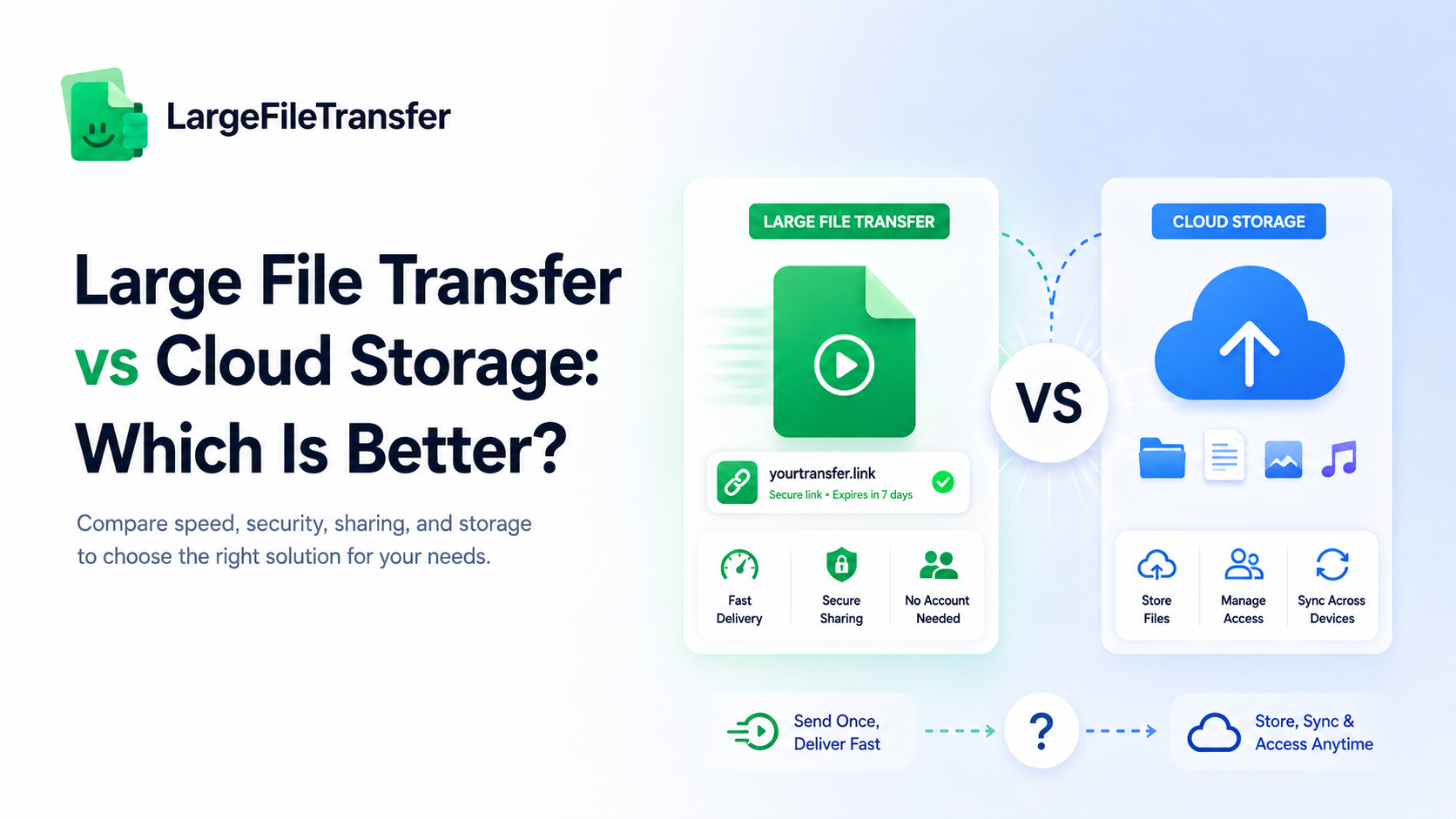
Large file transfer is best for sending a file quickly, while cloud storage is better for storing, accessing, and sharing files over time. Large file transfer works well when someone simply needs to receive and download a large file. Cloud storage is more useful when you or your team need to open, edit, organize, or share the same files regularly. This guide compares speed, security, cost, and when each option makes the most sense. LargeFileTransfer is one example of a tool built for sending large files.
What Is Large File Transfer?
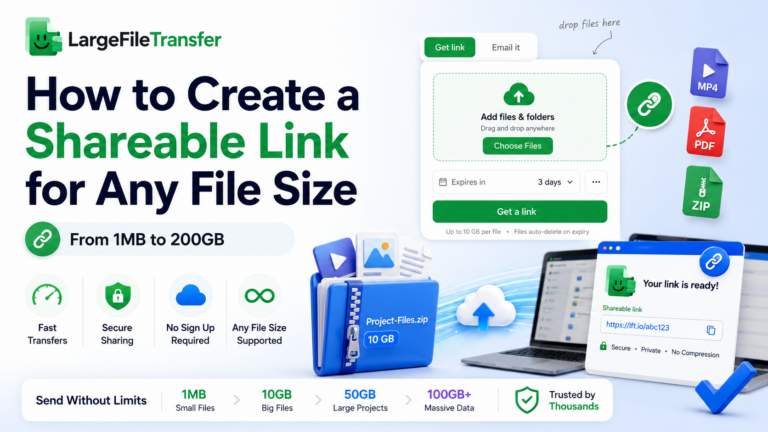
A large file transfer tool lets you upload a file once, create a link, and let the recipient download it without an account.
Unlike email or messaging apps, large file transfer tools are built to move files that are too large for normal attachments.
The main idea is simple: send the file without turning the transfer into long-term storage.
- No ongoing storage needed: The file is meant to be delivered, not kept forever.
- No recipient account required: Recipients can usually download the file directly from the link.
- Automatic link expiry: Links can expire after a set period for added control.
- Files stay out of inboxes: Large files do not clog email threads or messaging chats.
- One-time delivery: The transfer is designed for sending, rather than keeping a synced folder.
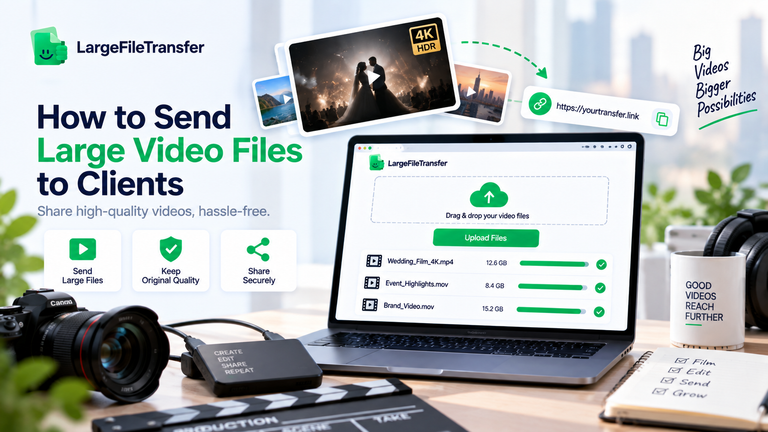
For example, imagine sending a 3GB video export to a client. With a large file transfer tool, you can upload the video, get a download link back, and send it to the client instead of trying to attach 3GB to an email and getting a bounce-back. LargeFileTransfer lets you send files up to 5GB per file for free, with no signup required.
What Is Cloud Storage?
Cloud storage provides a persistent, synced home for files across devices, with services such as Google Drive, Dropbox, and OneDrive.
Unlike one-time file delivery, cloud storage keeps files accessible so people can update, organize, and revisit them over time.
The main idea is simple: keep files available in one shared place instead of sending them only once.
- Syncing across devices: Files stay available and updated across computers, phones, and other connected devices.
- Real-time collaboration: Teams can work on shared files and use version history to track changes.
- Long-term backup: Files can remain stored and accessible for months or years.
- Team folder structures: Shared folders make it easier to organize projects, assets, and documents.
- Shared access over time: Multiple people can access the same files whenever they need them.
For example, a design team might keep a shared asset library in cloud storage so everyone can edit and pull files from it over several months. That setup makes sense when files need ongoing access, while a one-time client handoff is a different use case for cloud storage vs file transfer.
Large File Transfer vs Cloud Storage: Key Differences at a Glance
Here’s how large file transfer and cloud storage compare across the factors that matter most when choosing between them.
| Factor | Large File Transfer | Cloud Storage |
| Best for | One-time file delivery | Ongoing file access |
| Max practical file size | Several GB to hundreds of GB | Several GB to hundreds of GB |
| Setup required | Upload and share link | Upload and organize files |
| Recipient account needed | Usually no | Often optional or required |
| Access after delivery | Limited by link expiry | Ongoing access |
| Typical cost model | Free tiers or transfer-based plans | Free tiers or storage-based plans |
| Best use case | Client handoffs and large sends | Team collaboration and file storage |
The Key Difference
- Large File Transfer: Best when you need to send a file once through a shareable link.
- Cloud storage: Best when files need to stay available in folders for future access.
- For client delivery: Large file transfer is usually the better fit for one-time handoffs.
- For team access: Cloud storage works better when multiple people need files regularly.
In simple terms: Choose a large file transfer when the file needs to arrive. Choose cloud storage when the file needs to stay.
The next key difference is speed, because the way each option handles large uploads can affect how quickly a file actually reaches the recipient.
Large File Transfer vs Cloud Storage: Speed Comparison
Large file transfer is generally faster for a one-time send because it skips the folders, permissions, and sharing setup common with cloud storage.
Cloud storage can be just as fast once a file is already synced and ready for others to access.
The actual time depends on both the sender’s upload speed and the recipient’s download speed.
- Upload time for a 5GB file
If your internet connection has a 50–100 Mbps upload speed, a 5GB file takes roughly:
- 50 Mbps upload: About 13–14 minutes
- 100 Mbps upload: About 7 minutes
This is the time needed to get the 5GB file from your device to the transfer or cloud service, before the recipient downloads it.
- Download time for a 5GB file
The recipient’s download speed determines how long it takes to receive the file:
- 50 Mbps download: About 13–14 minutes
- 100 Mbps download: About 7 minutes
- 500 Mbps download: About 1–2 minutes
Actual times can be longer because of network congestion, Wi-Fi performance, and other factors.
- One recipient vs. several people
For one recipient, large file transfer generally provides the simpler workflow: upload the file once, create a link, and let the recipient download it.
Cloud storage becomes more useful when several people need the same file because the sender uploads it once and can give multiple people access without creating a separate transfer each time.
- Download or stream?
With large file transfer, the recipient normally downloads the complete file before using it. Cloud storage may allow supported files to be previewed or streamed directly from the service, depending on the file type and platform.
- Resumable uploads
Resumable uploads improve reliability when sending large files because an interrupted upload can continue instead of restarting from the beginning. LargeFileTransfer supports resumable transfers, which can be especially useful when uploading large files over an unstable connection.
Before sending a large file, test your internet speed with LargeFile Transfers to see how quickly your connection can handle the upload.
For very large files, the sender’s upload speed and recipient’s download speed often matter more than the platform itself.
How File Transfer and Cloud Storage Handle Security
Both can be secure, but the main difference is how long a file stays available and how many places it can be accessed or copied.
Large file transfer suits temporary delivery, while cloud storage is better suited to files that need controlled access over a longer period.
Here are the main security differences at a glance:
| Security factor | Large File Transfer | Cloud Storage |
| Encryption | Encryption in transit and at rest | Encryption in transit and at rest |
| Access control | Share links, passwords, expiry dates | User permissions, shared folders |
| Exposure window | Temporary access | Potentially long-term access |
| File lifecycle | Auto-delete after expiry | Files remain until deleted |
| Password protection | Available on supported plans | Available with some services |
| Link expiration | Available | Available with some sharing options |
| Best for | Temporary file delivery | Ongoing team access |
Encryption
- LargeFileTransfer uses end-to-end encryption for files in transit and at rest.
- Cloud storage services also encrypt files during transfer and while they are stored, so encryption alone does not make one option automatically safer.
Link and access control
- LargeFileTransfer supports password protection and expiring links, which can limit access to a temporary file share.
- Cloud storage provides account-based permissions and shared-folder controls, giving teams more ways to manage access across people and projects.
Exposure window
- Large file transfer: Access can end when the transfer link expires and the file is deleted.
- Cloud storage: Files can remain accessible until the owner removes them or changes their permissions.
Where cloud storage has an advantage
Cloud storage offers centralized access controls and audit visibility, which can be more useful for teams managing files over time.
If cloud storage is not the right fit for your file, explore 7 free ways to send large files without email.
How Much Do Large File Transfer and Cloud Storage Cost?
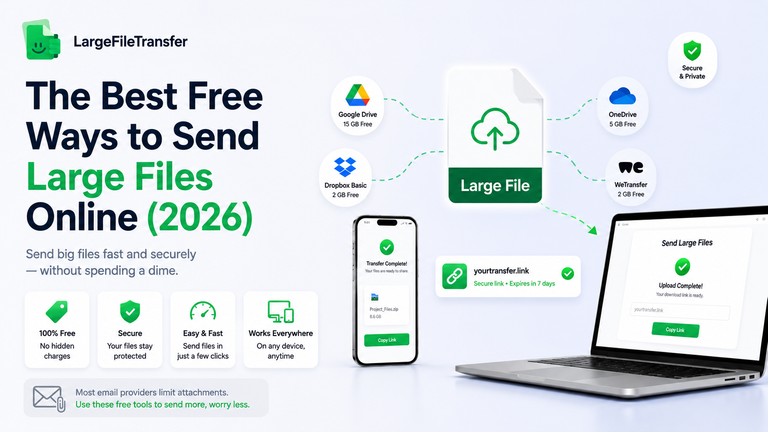
Most large file transfer tools, including LargeFileTransfer, offer a useful free tier for occasional large sends, while cloud storage free tiers can fill up quickly when you use them for storage.
LargeFileTransfer’s free plan includes 10GB per file, 10GB of account storage, and 10 transfers per week at $0 forever.
The cost difference becomes clearer when you look at what each service charges you for:
- Cloud storage free tiers: Often provide a limited amount of total storage shared across all your files and data, not storage for each file.
- Large file transfer free tiers: Usually focus on file-size and transfer limits rather than permanent storage.
- Cloud storage upgrade: You typically upgrade when you run out of storage or need more collaboration features.
- File transfer upgrade: You typically upgrade when you need larger files, more transfers, longer link expiry, or unlimited transfers.
- Practical cost: Paying to store files you only need to send can be unnecessary compared with using a transfer service for one-time delivery.
| Plan | Price | File size | Transfer limit | Account storage |
| Free | $0 forever | 10GB per file | 10 transfers/week | 10GB |
| Plus | $5.99/month | 10GB per file | 200 transfers/month | 200GB |
| Pro | $8.99/month | 250GB per file | Unlimited transfers | 5TB |
Paid plans also include longer link expiry and password protection, with links available for up to one year or indefinitely.
Cost is worth considering, but your decision should mainly come down to how quickly you need to send the file and whether people need access afterward.
When Large File Transfer Makes More Sense
Large file transfer is ideal when you need to send one specific file to one person without requiring an account.
- Video files: Send finished exports or raw footage to clients through large video file transfers.
- Photo galleries: Share full-resolution galleries without requiring a client account.
- External recipients: Send files to clients or partners outside your organization.
- Large one-time files: Send files that are too large for your available storage space.
- Temporary sharing: Use expiring links when files should only be available for a limited time.
For one-time delivery, large file transfer offers a simple way to send large files with temporary access.
When Cloud Storage Makes More Sense
Cloud storage is the better choice when files need ongoing access, collaboration, syncing, or long-term storage.
These situations are where cloud storage is especially useful:
- Team collaboration: Work on the same files with real-time edits and shared access.
- Version history: Restore an earlier draft when changes need to be undone.
- Device syncing: Keep files updated across your laptop, phone, and other computers.
- Long-term libraries: Build a shared archive or file library instead of making a one-time handoff.
For many people, using both tools makes the most sense because each solves a different file-sharing need.
Why LargeFileTransfer Fits One-Time File Delivery
For the file-transfer side of that equation, LargeFileTransfer is built around the one-time sends discussed above.
Here are the features that support those workflows:
- 5GB free per file: Send up to 5GB per file for free, with no signup required.
- Unlimited transfers: Paid plans include unlimited transfers on Pro.
- End-to-end encryption: Files are encrypted in transit and at rest.
- Resumable uploads: Uploads can resume from where they stopped if the connection drops.
- Auto-delete on expiry: Files can be removed when their transfer links expire.
- Password protection: Paid plans let you protect shared links with a password.
- Built into your workflow: Chrome, Gmail, Slack, Discord, and Telegram integrations let you send large files from tools you already use.
- Client share pages: Photographers and creatives can use a client share page to deliver full-resolution galleries.
See all LargeFileTransfer plans and limits or explore the available apps and integrations.
Drop a file into LargeFileTransfer and see how quickly you can turn it into a shareable transfer link.
Final Notes
Large file transfer is the better fit for fast, one-time delivery when the recipient does not need an account. Cloud storage is better for files that need ongoing access, syncing, and collaboration, so most people benefit from using both for different jobs.
Now that you know which option fits your situation, the easiest next step is to try sending the file instead of spending more time comparing tools.
Have a large file to send? Send it with LargeFileTransfer and get it on its way.
FAQs
- Is large file transfer safer than cloud storage?
Both options can be secure when they use strong encryption and appropriate access controls. Large file transfer is well suited to short-term sharing with expiring links, while cloud storage works well for ongoing team access.
- Can I send a large file without using cloud storage at all?
Yes, you can send a large file without using cloud storage by using a dedicated file transfer service. The file is uploaded, a download link is created, and the recipient can download it without storing the file in a shared cloud folder.
- What’s the best way to transfer large files for free?
A dedicated large file transfer service is often the simplest free option for one-time sends, provided the file fits its free limit. LargeFileTransfer lets you send files up to 5GB per file for free without requiring signup.
- Do large file transfer links expire?
Yes, large file transfer links commonly expire after a set period, although the exact duration depends on the service and plan. Expiration limits how long the file remains available and can also remove the file after the transfer window ends.
- Is cloud storage cheaper than file transfer for occasional big sends?
Cloud storage is not always cheaper for occasional big sends because you may be paying for storage that you do not need after delivery. A file transfer service can be more practical when the main goal is sending a large file once rather than keeping it stored.
- Can I use LargeFileTransfer instead of Google Drive for sending files to clients?
Yes, you can use LargeFileTransfer instead of Google Drive when your main goal is sending files to clients rather than maintaining shared cloud storage. LargeFileTransfer is designed around direct file delivery, while Google Drive is built for storing, organizing, and collaborating on files over time.