MB vs GB: Understanding File Size for Large Transfers
MB vs GB file size refers to two different units used to measure how much digital data a file contains: a gigabyte (GB) is much larger than a megabyte (MB). Confusing them can lead to files that will not attach to email, uploads that take longer than expected, or storage filling up sooner than planned.
The difference becomes significant quickly. A file that is 1 GB is roughly 1,000 MB under the decimal standard, so mistaking one unit for the other can mean underestimating a file’s size by hundreds or thousands of megabytes.
Getting the measurement wrong can result in a rejected attachment, a stalled upload, or not having enough storage for the files you need to keep.
This guide explains exactly how MB and GB compare, clarifies the 1,000-versus-1,024 confusion, shows common photo, video, document, and app sizes, and lets you convert between units instantly.
What is the Difference Between MB and GB?
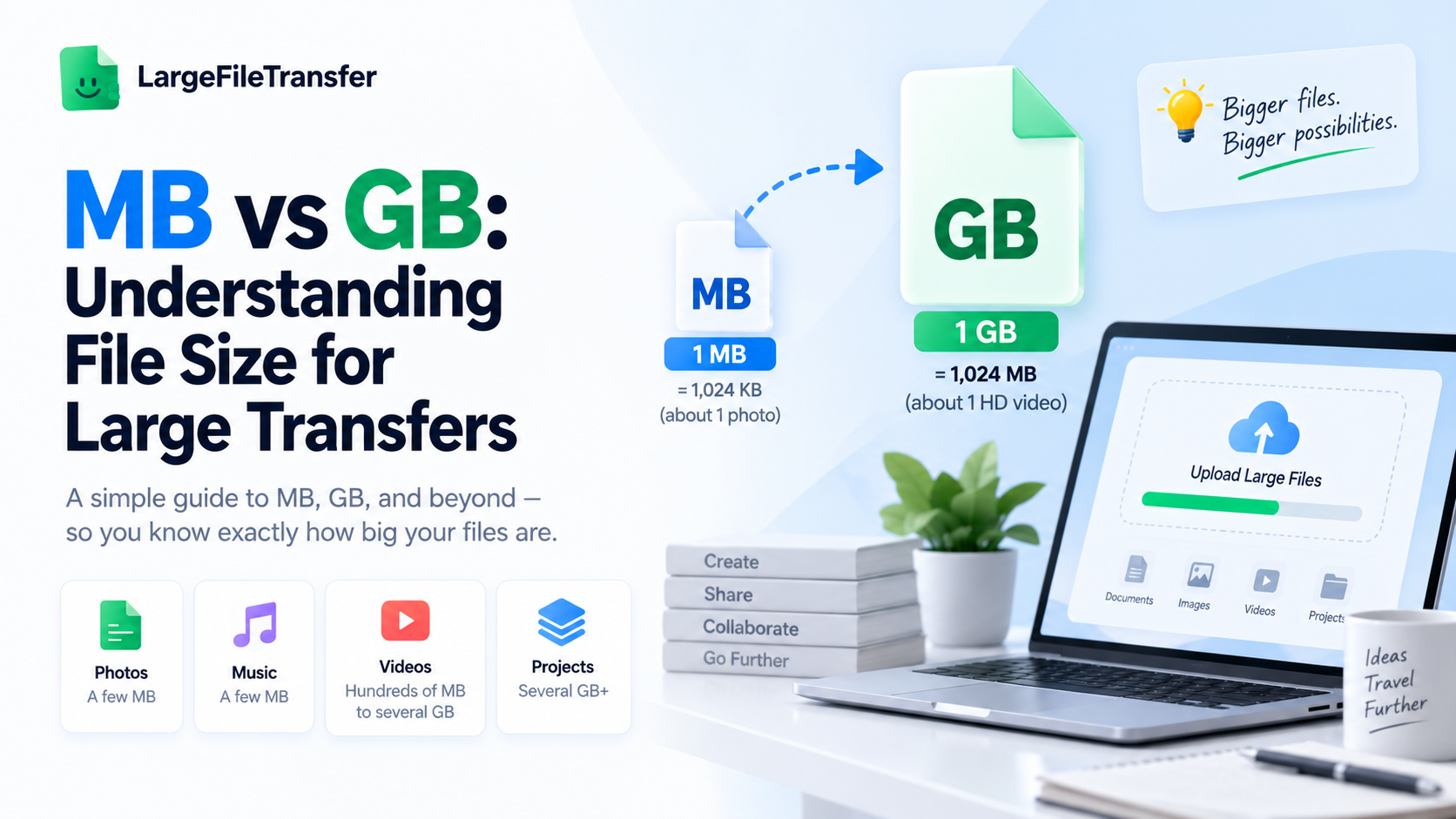
MB and GB are units of digital file size: 1 MB is roughly one million bytes, while 1 GB is roughly one billion bytes, making 1 GB about 1,000 times larger than 1 MB.
- MB means megabyte
A megabyte (MB) is a unit of digital storage equal to roughly 1 million bytes. Smaller files, such as photos, documents, and short audio files, are often measured in MB.
- GB means gigabyte
A gigabyte (GB) is a unit of digital storage equal to roughly 1 billion bytes. Larger files, including HD videos, software, and backups, are commonly measured in GB.
MB vs GB at a glance
| Unit | Approximate size |
| 1 MB | 1 million bytes |
| 1 GB | 1 billion bytes |
| 1 GB | About 1,000 MB |
This distinction matters when you’re checking whether a file fits an upload or attachment limit. It also helps you estimate storage needs before moving large collections of files.
Here’s where it gets more precise: computers can use decimal or binary counting, which changes the exact values slightly.
How Many MB Are in a GB? (Decimal vs Binary Explained)
1 GB equals 1,000 MB in the decimal system, or 1,024 MiB in the binary system.
For most file transfers, 1 GB is roughly 1,000 MB. The confusion comes from computers using a different way to count data in some situations.
Here’s how the two standards break down.
- The Decimal Standard (1,000 MB = 1 GB)
The decimal standard uses 1,000 as the difference between each size.
- 1 GB = 1,000 MB
- 2 GB = 2,000 MB
- 5 GB = 5,000 MB
This is the system used by storage manufacturers when they advertise drives and other storage products.
- The Binary Standard (1,024 MiB = 1 GiB)
- The binary standard uses 1,024 instead of 1,000, so 1 GiB equals 1,024 MiB.
- Computers have traditionally used this system, which is why the size shown on your computer can differ slightly from the advertised storage size.
The difference is about 7%, so it becomes more noticeable with larger storage capacities.
| Standard | Conversion |
| Decimal | 1 GB = 1,000 MB |
| Binary | 1 GiB = 1,024 MiB |
For everyday megabytes vs gigabytes questions, you can simply remember 1 GB ≈ 1,000 MB.
This is also the exact reason your new drive never shows the full number advertised on the box.
A 100GB file is a very different proposition from a 100MB file, especially when you need to send it online. Learn how to send a 100GB file online without splitting it.
Real-World File Size Examples: Photos, Video, Docs, and Apps
File size explained is much easier when you stop looking at MB and GB as numbers and see how large everyday files actually are.
A few megabytes may be nothing for one file, while the same amount can quickly add up across photos, videos, documents, or apps.
Here’s what typical file sizes look like across common file types.
- Photos and Images
- Smartphone JPEG: 2–8 MB
- Professional RAW photo: 20–80 MB
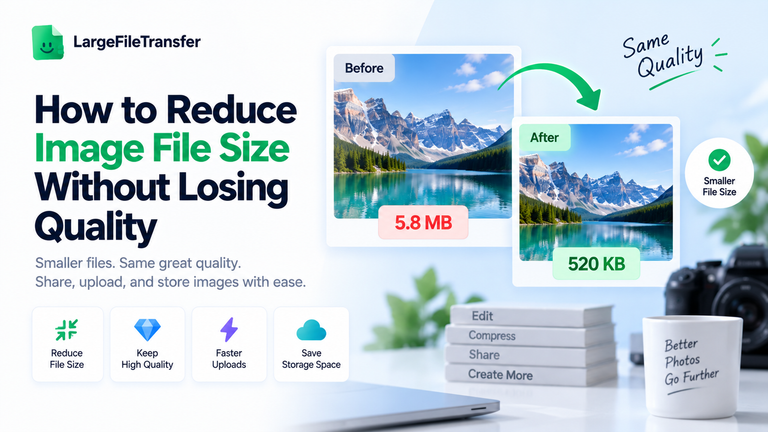
Photographers often need a proper large-file transfer solution because high-resolution photo collections can quickly exceed email limits.
- Documents and PDFs
- Plain text document: Usually under 100 KB
- PDF with images: 1–10 MB
A simple text file can be tiny, while an image-heavy PDF can take up several megabytes.
- Music and Audio
- 3–4 minute MP3: 3–6 MB
- Lossless audio track: 20–40 MB
Lossless audio takes considerably more space because it preserves more of the original recording data.
- Video Files
- 1 minute of HD video: Roughly 100–200 MB
- 1 minute of 4K footage: Can exceed 400 MB
That is why raw video projects can quickly grow to several gigabytes, even when the individual clips seem manageable.
- Apps and Software
- Mobile apps: 20 MB to 200+ MB
- Desktop software: Hundreds of MB to several GB
- Modern games: Can reach tens of GB
Seeing these real-world examples makes the difference between MB and GB much easier to judge.
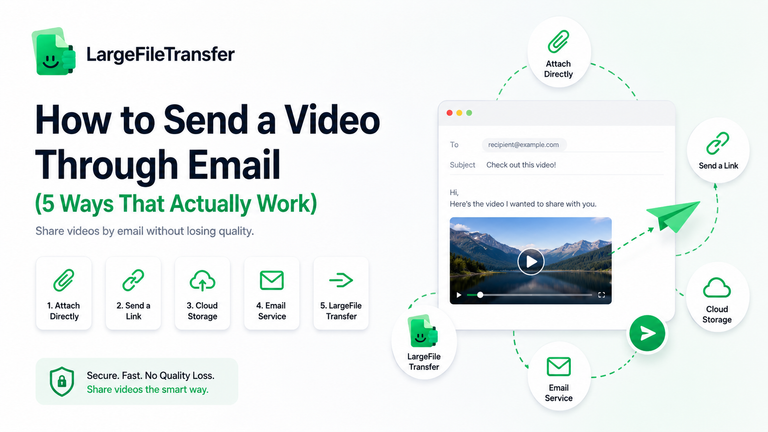
Large video file to send? Send the full-resolution file here.
But there’s another source of confusion: why does your available storage often look smaller than the number shown on the box?
Why Does a 512GB Drive Show Only 477GB?
A 512GB drive can show about 477GB on your computer because the drive maker and your computer count storage differently.
This does not mean your drive is faulty or that 35GB has disappeared. The same storage is simply being shown using two different ways of counting.
Here’s the math behind the difference:
| Storage | Amount |
| Drive size on the box | 512GB |
| Total data stored | 512,000,000,000 bytes |
| How your computer counts it | 1,073,741,824 bytes per GiB |
| What your computer shows | About 477 GiB |
The calculation:
| 512,000,000,000 ÷ 1,073,741,824 = 476.84 |
So a drive sold as 512GB can appear as about 477GB on your computer.
You may notice the same thing with file transfer bars, cloud storage, and phone storage. The file has not changed; only the way its size is shown has changed.
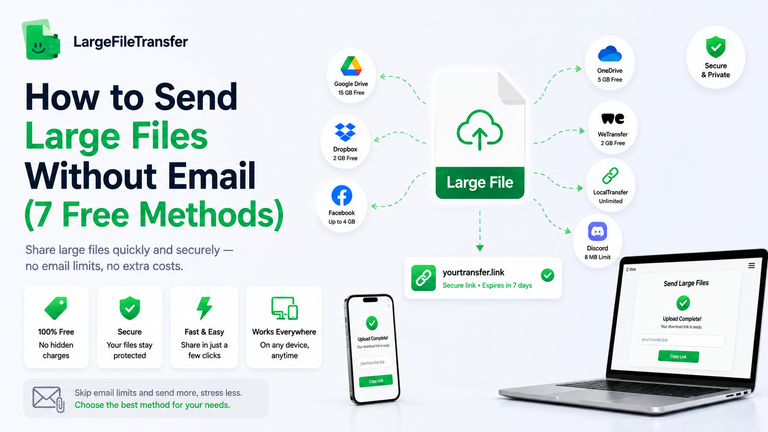
Large files can run into storage, attachment, and transfer limits surprisingly quickly. Here are some of the best free ways to send large files online in 2026.
Now let’s see what those file sizes actually mean when you’re sending files.
How Does File Size Affect Upload and Download Speed?
File size directly affects how long a file takes to upload or download, so larger files naturally take longer to transfer. A 5GB video, for example, needs much more time to move than a 500MB file on the same connection.
Here’s the one detail that trips almost everyone up.
Mbps vs MB/s: What’s the Difference?
A 100 Mbps internet connection transfers about 12.5 MB per second because one byte contains eight bits.
Internet speeds are advertised in Mbps (megabits per second), while file sizes use MB (megabytes). The capital B matters:
- 100 Mbps ÷ 8 = 12.5 MB/s
- 1 GB = about 1,000 MB
- 12.5 MB/s = about 0.75 GB per minute
So when you see a 100 Mbps connection, you are not downloading at 100 MB every second.
How Long Does It Take to Transfer a Large File?
At 12.5 MB/s, these are roughly the best-case transfer times:
- 1 GB: about 80 seconds
- 5 GB: about 7 minutes
- 10 GB: about 13 minutes
- 20 GB: about 27 minutes
Real-world speeds are usually lower because of network overhead, Wi-Fi conditions, server limits, and other factors.
This is why large transfers can become frustrating when the timing is unpredictable. Dedicated file-sharing tools are built for large files, while email and messaging apps can hit size limits or fail during bigger transfers.
Next, let’s look at the file-size limits that can stop a large transfer before it even starts.
What Are the File Size Limits for Sending Large Files?
Most everyday apps limit how large a file you can send, often well below the size of modern videos, photo collections, and design files.
A limit that sounds generous in MB can become restrictive once your files reach multiple GB. That is why knowing whether your file is 25 MB, 500 MB, or 5 GB matters.
Here’s where most people hit a wall:
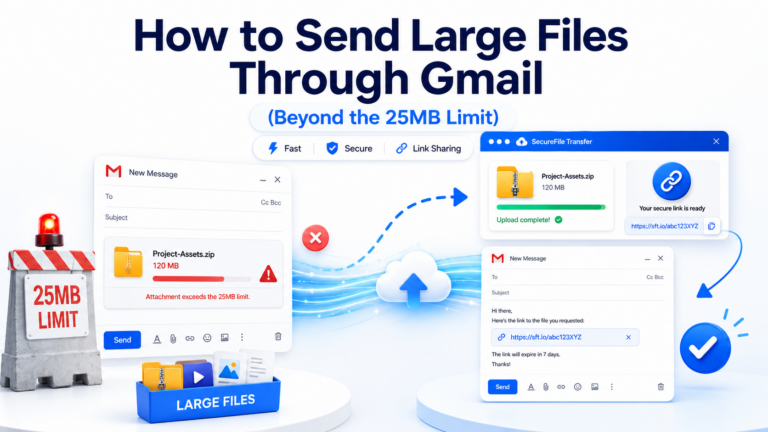
- Gmail: Personal accounts allow attachments up to 25 MB; larger files are sent through Google Drive instead.
- Discord: Free users currently have a 20 MB upload limit.
- Messaging apps: Many apps automatically compress photos and videos, which can reduce their original quality.
A modern video, RAW photo shoot, or design project can move from MB into multiple GB very quickly. Once that happens, a dedicated large-file transfer tool is often more practical than trying to squeeze everything through an email or messaging app.
LargeFileTransfer lets you send files up to 5 GB per file for free, with no signup required. Paid plans are available when you need larger transfers or send files more frequently. See LargeFileTransfer pricing
Need to send a large file now? Send a file with LargeFileTransfer
. Next, let’s look at the larger units, TB, PB, and beyond, to put those file sizes into perspective.
What Comes After GB? TB, PB, and EB Explained
After gigabytes come terabytes (TB), petabytes (PB), and exabytes (EB), with each unit roughly 1,000 times larger than the previous one.
Most people encounter TB in external drives and cloud storage, while PB and EB are mainly used by large organizations and data centers.
Here’s how the full ladder lines up:
- 1 TB = 1,000 GB
A 1 TB external drive can hold roughly 200,000 photos, depending on the size of each image.
- 1 PB = 1,000 TB
A large streaming service can have a video library containing multiple petabytes of data.
- 1 EB = 1,000 PB
At this scale, you’re dealing with data volumes associated with major cloud providers, telecommunications networks, and global organizations.
For a quick reference:
| Unit | Equivalent |
| 1 TB | 1,000 GB |
| 1 PB | 1,000 TB |
| 1 EB | 1,000 PB |
For most personal transfers, MB and GB are the units that matter, while TB becomes useful when you’re thinking about long-term storage.
Whatever unit you’re working with, converting between them shouldn’t require doing the math by hand.
How to Convert MB to GB Instantly?
MB is smaller than GB, so converting MB to GB means turning a larger number into a smaller number.
To convert MB → GB, divide by 1,000 for decimal measurements or 1,024 for binary measurements.
For example:
- 2,500 MB ÷ 1,000 = 2.5 GB
- 2,500 MB ÷ 1,024 = 2.44 GiB
Here’s the fastest way to get an exact answer.
The free file size converter does the conversion instantly between bytes, KB, MB, GB, TB, and PB, using either decimal or binary measurements.
Enter your file size, choose MB and GB, and get the answer instantly.
Next, let’s clear up the most common MB and GB mistakes.
Common MB vs GB Mistakes to Avoid
MB and GB are easy to confuse when sending, storing, or transferring files.
Here are the mix-ups that cause the most real-world problems:
- Confusing Mbps with MB: Mbps measures internet speed, while MB measures file size. A 100 Mbps connection transfers at about 12.5 MB per second.
- Assuming every system calculates GB the same way: Storage manufacturers generally use decimal measurements, while some computer systems use binary measurements. That is why the numbers can differ.
- Expecting a 512GB drive to show exactly 512GB: A drive advertised as 512GB can appear as roughly 477 GiB when your system displays its capacity using binary units.
- Underestimating a file before emailing it: A 25 MB email limit can be much smaller than the files you regularly create. A single high-resolution photo collection or video can quickly exceed that limit.
- Assuming every photo is the same size: Smartphone JPEGs commonly range from 2–8 MB, while professional RAW photos can reach 20–80 MB.
- Assuming every video takes the same space: Resolution and format matter. One minute of HD video may be around 100–200 MB, while 4K footage can exceed 400 MB per minute.
Knowing these differences makes it much easier to judge whether a file will fit an attachment limit, how much storage it needs, and how long it may take to transfer.
Final Notes
MB and GB are different file-size units, with 1 GB being roughly 1,000 times larger than 1 MB. Remembering that simple difference makes it much easier to understand how large your files really are.
Most of the confusion comes from decimal and binary measurements, which can make the same storage or file appear as slightly different numbers depending on where you see it.
File size also affects how long a transfer takes and which tools can handle it, especially as files move from MB into multiple GB.
Check your file size with the free File Size Converter, or send it directly with LargeFileTransfer.
FAQs
- How many MB are in a GB?
1 GB equals 1,000 MB in the decimal system commonly used for file and storage sizes.
- Is 1 GB bigger than 1,000 MB?
No; 1 GB and 1,000 MB are equal when using the decimal system, so neither is larger.
- Why does my hard drive show less space than advertised?
Your drive may show less space because manufacturers use decimal measurements, while your computer may display the capacity using binary measurements.
- What’s the difference between GB and GiB?
GB uses decimal measurements, while GiB uses binary measurements, with 1 GiB equal to 1,024 MiB.
- How long does it take to transfer 1 GB?
At a 100 Mbps connection, transferring 1 GB takes about 80 seconds under ideal conditions, though real speeds are usually slower.
- What’s bigger: KB, MB, GB, or TB?
TB is the largest, followed by GB, MB, and KB, with each step representing roughly 1,000 times more data.
- How many MB is a typical photo or video?
A typical smartphone photo is around 2–8 MB, while one minute of HD video is roughly 100–200 MB.
- What’s the fastest way to convert MB to GB?
Use the free file size converter to convert MB to GB instantly without doing the calculation manually.